TV Cast for Chromecast
EVOLLY.APP
3.6
Release Details
| Publisher Country | US |
| Country Release Date | 2020-04-20 |
| Categories | Tools |
| Country / Regions | US |
| Developer Website | EVOLLY.APP |
| Support URL | EVOLLY.APP |
| Content Rating | Everyone |
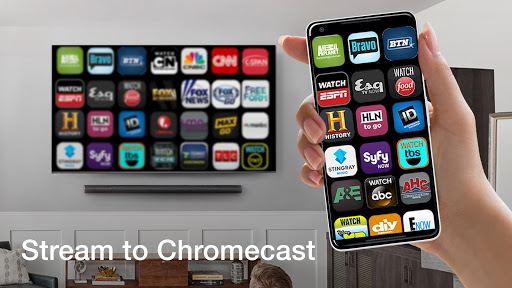
The all-in-one mobile app that lets you easily mirror your phone screen, cast your favorite photos, and stream your favorite videos to your Chromecast-enabled TV. With just a few taps, you can connect your phone to your TV and enjoy all your favorite content on the big screen. Whether you’re sharing a family slideshow or streaming the latest blockbuster movie, Cast for Chromecast makes it easy to connect and enjoy your content with ease. With a sleek and user-friendly interface, Cast for Chromecast is the ultimate tool for anyone looking to elevate their streaming experience.
Features:
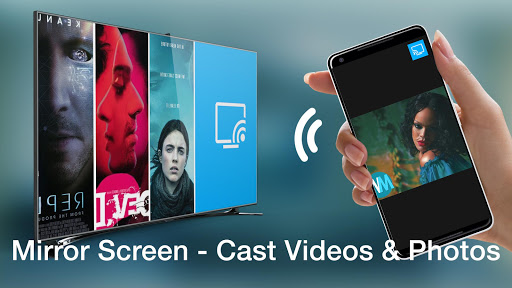
+ Cast photos, music & videos to Chromecast TV.
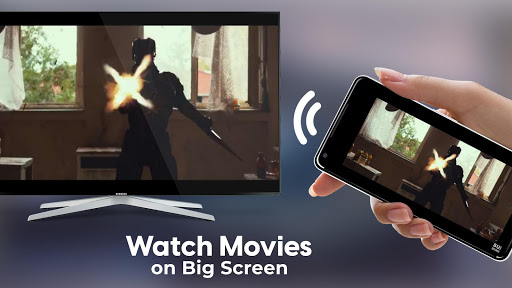
+ Watch your movies on Chromecast TV.
+ Stream phone’s camera to Chromecast.
+ Mirror phone screen to Chromecast in realtime with the highest video quality.
+ And a lot more useful features.
How to use:
1. Make sure your phone and the Chromecast device are connected to the same WIFI network.
2. Open the app and connect to the Chromecast device.
3. The app is now ready to use:
To use Screen Mirroring feature, you have to upgrade to Premium version.
You can try the Premium version for free in 3 days with our auto-renewal annual subscription option.
Chromecast is a trademark of Google LLC.
This app is not affiliated with Google LLC.
Average Rating
67.23K+
Rating Breakdown
Featured Reviews
By db sutterfield
2022-06-12
Version 1.2.3
performance_and_bugsoffline_functionalityIt started like a lot of these comments about it not working. Then after about the 10th time trying to connect I figured it out. Once you get to the cast page where it says" can't find device or can't connect, hit the 3 dots in upper right corner and enable or turn on the cast. I assumed it would already be on but nope. Try it y'all and see. It works good. Now I can connect to devices wherever I go.
By Shawn M
2024-10-31
Version 1.3.4
monetizationIf I could give both this, and their TV Chromecast for Roku app a shared 1/2 ⭐ ...combined, that'd be based solely on me being a compassionate person! TRASH! I've tried more times than I'd like to remember, seriously waisting hours, attempting to connect and cast to my Roku Smart TV. Extremely frustrating because I'd been dumb enough to pay for both with upgrades. Roughly $70
By Lana Davis
2023-07-03
Version 1.2.7
performance_and_bugsmonetizationupdates_and_maintenanceHad to use this at a hotel Took a few minutes but figured it out and worked okay.. No issues but there is no cancellation information. I cannot find the profile so that I can cancel the subscription. I have no use for this on a daily basis, only needed it for the weekend. There is no easy way to cancel the subscription. I have sent an email hopefully this is resolved Before I am charged for an app I cannot use. Update 6 days later. Yes, I was charged and no response to my request to cancel.
Screenshots